PRACTICAL EXAMPLES
See where the
tools fit.
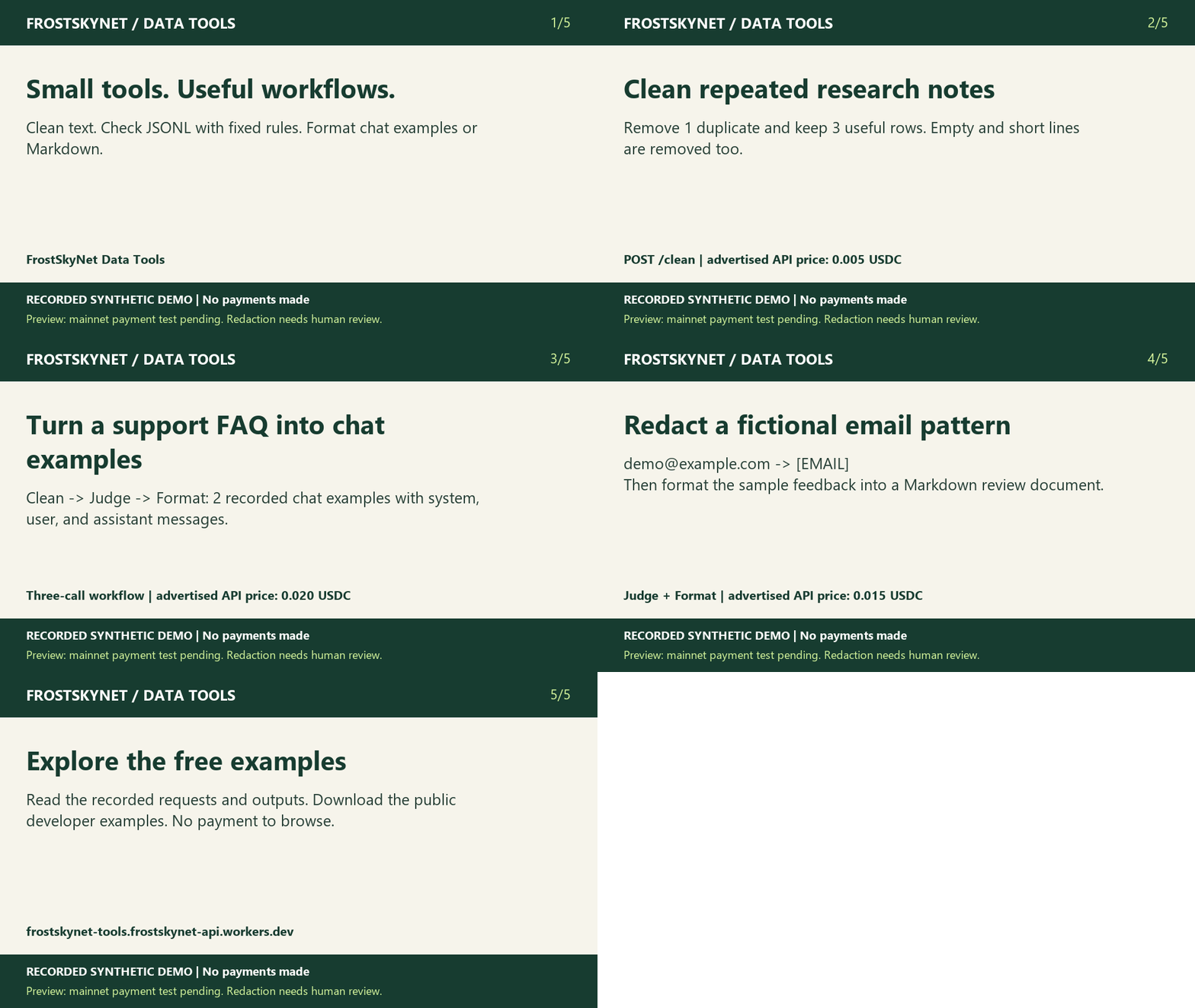
Three small workflows with complete requests and recorded outputs. All data is fictional. These results were generated locally without payments or network requests.
Download all three workflows as JSON · Download the 20-second demo video (MP4) · Animated GIF
Loading recorded examples…
A simple developer setup
- Choose a workflow above and review its full request and output.
- Download the Node.js or Python unpaid offer checker. Run
node check_offer.mjs(Node.js 22+) orpython check_offer.py(Python 3.10+). - Expect HTTP 402 and an affirmative payment-terms check. No wallet is needed for this check, and it does not return transformed data.
- For paid integration, use your own reviewed x402 client and spending limits. Review the network, token, receiver, price, and request limits before signing. Pass each response’s output string to the next tool as input.
AI-agent builders can start from OpenAPI and llms.txt. Those documents describe the tools; they do not automatically connect or fund an agent.
Common first-use problems
- “I got 402 instead of output.” This is the expected unpaid offer. A payment-capable client must review and authorize it.
- “Judge or format rejected my plain text.” Those tools require JSONL. Use clean first, then pass its output string as input.
- “The request is too large.” Split it into smaller inputs. The whole JSON request must fit: 51,200 UTF-8 bytes for clean/format, 10,240 for judge. Separate paid calls cost separately.
- “Chat formatting skipped a row.” Use a supported question/answer field pair or an existing messages array. An arbitrary text row is not automatically a chat example.
- “The paid request timed out.” Investigate settlement evidence before signing another payment. Do not assume it failed solely because you did not receive output.
For example or documentation problems, report a small synthetic reproduction through the public repository. Never include credentials, signed payment headers, or real personal data.